Pachisi
About Pachisi
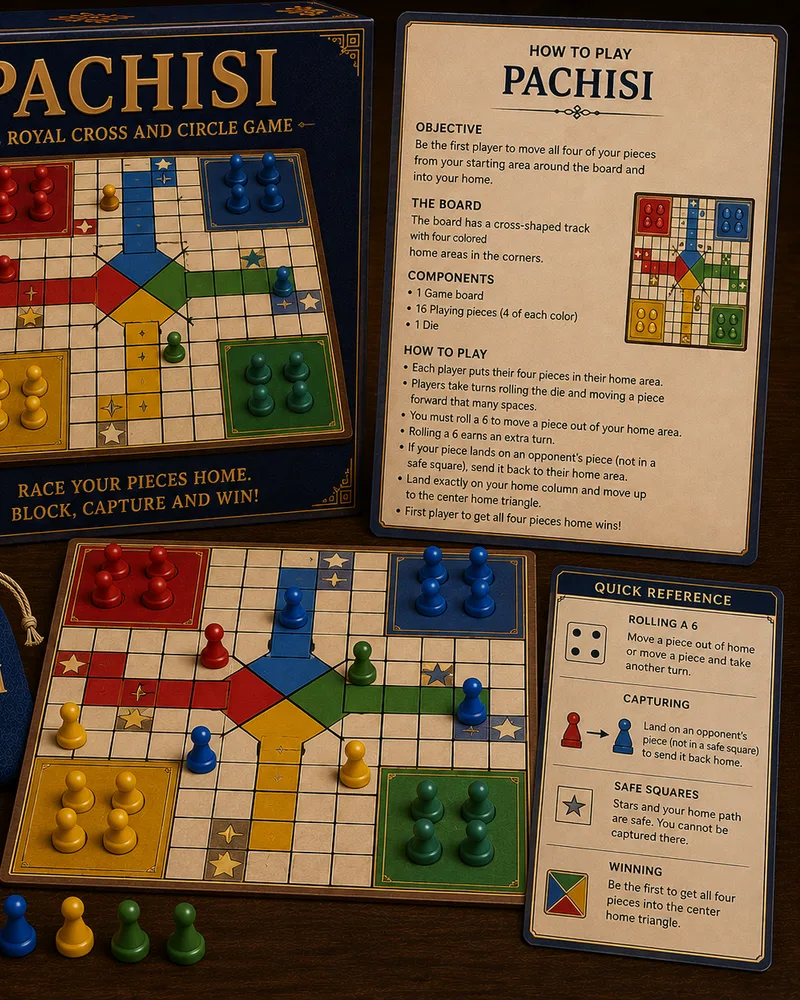
Pachisi is the medieval Indian race game that later became Ludo. Each player moves four tokens around a cross-shaped track and into the home column, guided by the throw of cowrie shells or dice. The goal is to be the first to bring all four of your tokens safely home.
It carries a rich history: the Mughal emperor Akbar reportedly played it on a giant palace courtyard, using dancers as living pieces on a board laid out in the tiles. Compared to Ludo, Pachisi keeps more of the original strategy, with safe castle squares, captures that send rivals back to the start, and room for teamwork.
You can play Pachisi free in your browser against the computer or with friends on one screen, with no download. If you know Ludo, you'll pick it up in a round, and the extra depth of the castle squares and captures rewards a bit of planning. It's a race, but a thoughtful one.
Controls
You play by throwing and then moving a token. Tap to throw, then tap the token you want to advance by the amount shown. The game highlights which tokens can legally move.
The cross-shaped board has a few key features:
- Moving tokens carries them around the outer cross and up into your home column. You choose which of your four tokens to advance with each throw.
- Captures and castles shape the race. Landing on an enemy token outside a castle sends it back to start, but castle squares are safe havens where tokens can't be captured and can even be shared.
Castle squares protect your tokens from capture, so timing your stops on them matters as much as advancing.
The first player to bring all four tokens home wins. Against the computer, the difficulty rises across eight levels.
Tips
- Use the castle squares as safe stops. Since tokens on a castle square can't be captured, timing your moves to land on them protects your progress when rivals are nearby.
- Spread your tokens out. Advancing several tokens rather than racing one home means a single capture can't undo all your progress, and it gives you more moves to choose from each turn.
- Weigh a capture against your position. Sending an enemy back to start is powerful, but if it leaves your own token exposed off a castle square, the trade might not be worth it.
- Keep a token near home in reserve. A token close to its home column is a safe place to spend an awkward throw without risking a capture out on the open track.
- Watch the enemy's threatening tokens. Notice which rival tokens are within striking distance of yours, and move to a castle or out of range before they can land on you.
- Don't rush every token home at once. Balancing progress across all four tokens keeps you flexible, whereas pushing one hard while ignoring the others can leave you defenseless.
Frequently asked questions
Is Pachisi free to play?
Yes. You can play as much as you want with no download and no account.
How do you play Pachisi?
You move your four tokens around a cross-shaped track and into your home column, based on the throw of the shells or dice. You can capture enemy tokens by landing on them off the castle squares, and the first to bring all four tokens home wins.
How is Pachisi different from Ludo?
Ludo is a simplified version of Pachisi. Pachisi keeps more of the original strategy, including safe castle squares that can be shared, captures, and the option for teamwork, making it a bit deeper than Ludo.
What are castle squares?
Castle squares are safe spots on the board where your tokens can't be captured. They can even be shared by multiple tokens, so landing on one protects your progress from rivals.
Can I play Pachisi with friends?
Yes. You can play against the computer or share one screen with friends, taking turns, so it works as a group game on a single device.
Can I play Pachisi on my phone?
Yes. It runs in any modern mobile browser with tap controls, so it works well on phones and tablets.
More like this
 HOT
HOTChess
Board1.2M NEW
NEWLudo
Board1.1M
Checkers
Board720.0K
Snakes & Ladders
Board612.0K
Tic-Tac-Toe
Board430.0K
Reversi
Board295.0K
Connect Four
Board510.0K
Dots & Boxes
Board180.0K NEW
NEWGomoku
Strategy156.0K NEW
NEWMancala
Board175.0K NEW
NEWKalah
Board88.0K NEW
NEWOware
Board96.0K NEW
NEWCongkak
Board70.0K NEW
NEWRenju
Strategy92.0K NEW
NEWDominoes
Board168.0K NEW
NEWBattleship Style
Strategy184.0K NEW
NEWParcheesi Style
Board116.0K NEW
NEWAggravation Style
Board84.0K NEW
NEWSorry Style
Board98.0K NEW
NEWChaupar
Board62.0K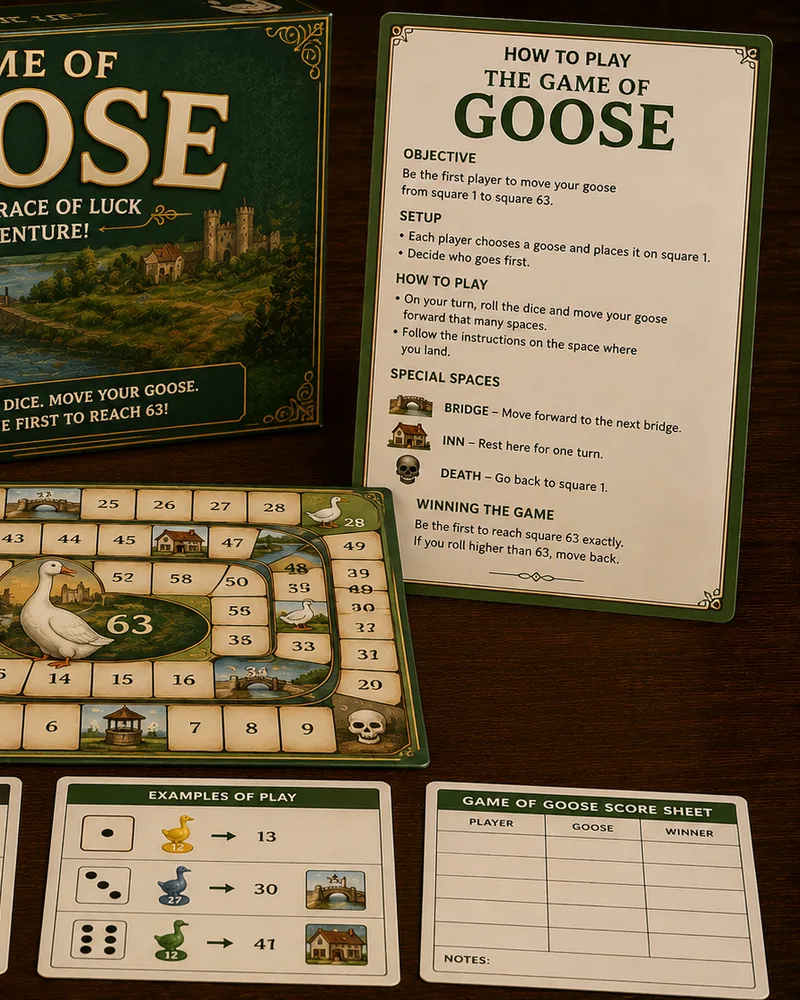 NEW
NEWGame of Goose
Board78.0K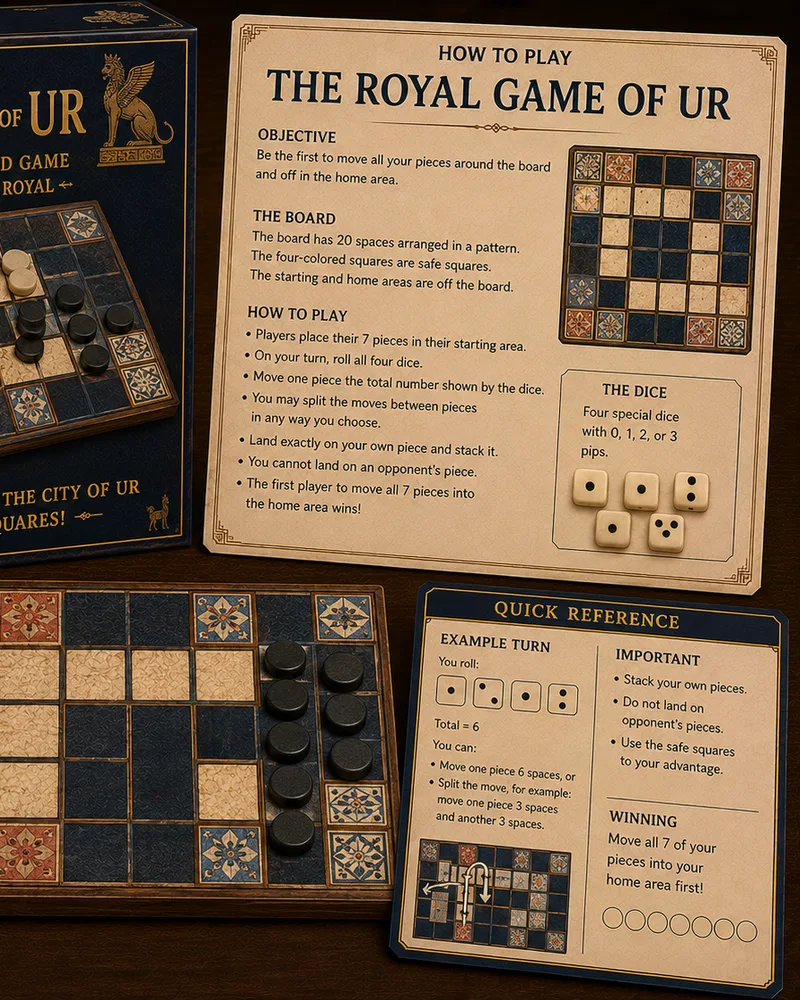 NEW
NEWRoyal Game of Ur
Board104.0K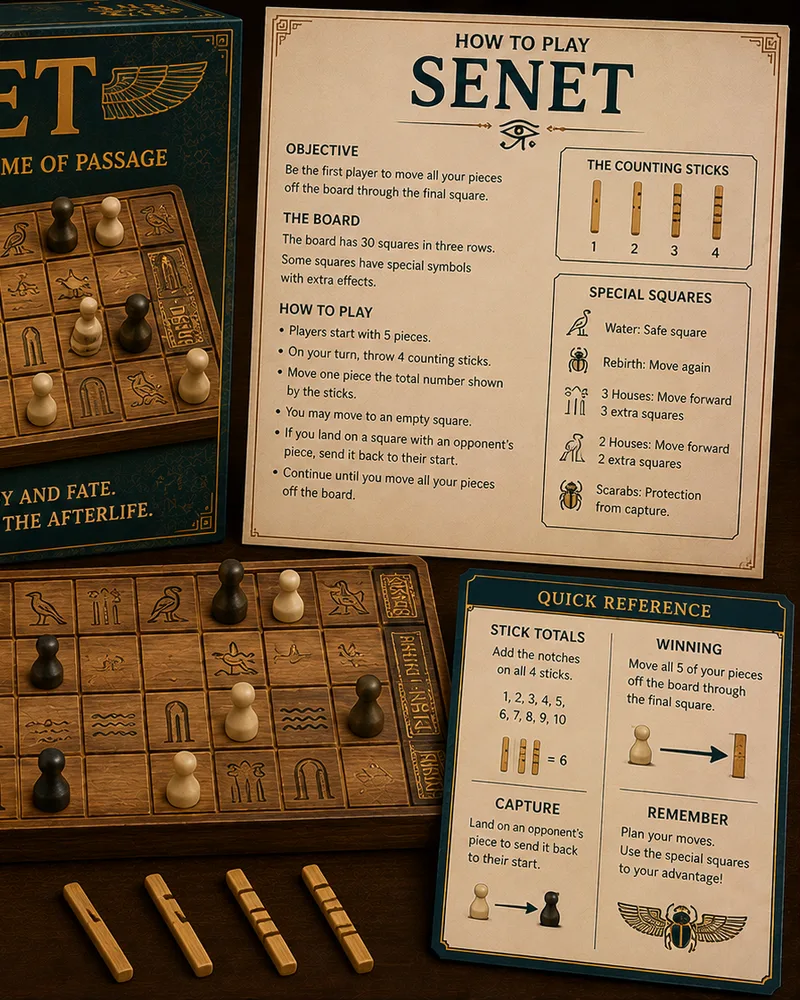 NEW
NEWSenet
Board88.0K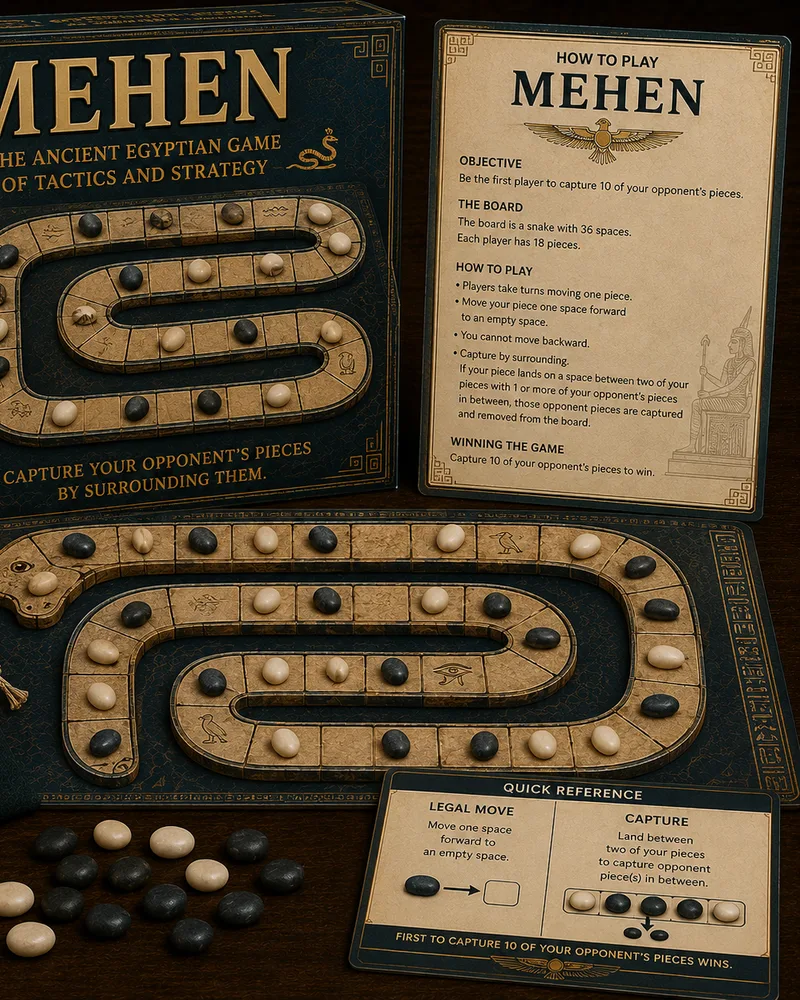 NEW
NEWMehen
Board56.0K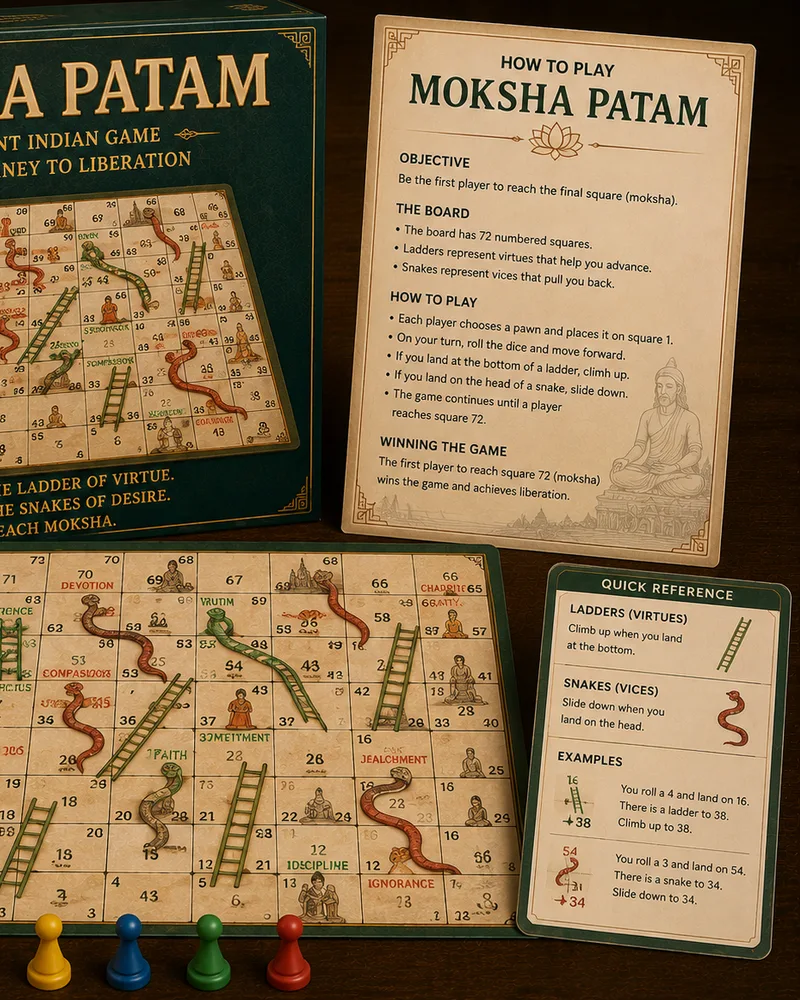 NEW
NEWMoksha Patam
Board110.0K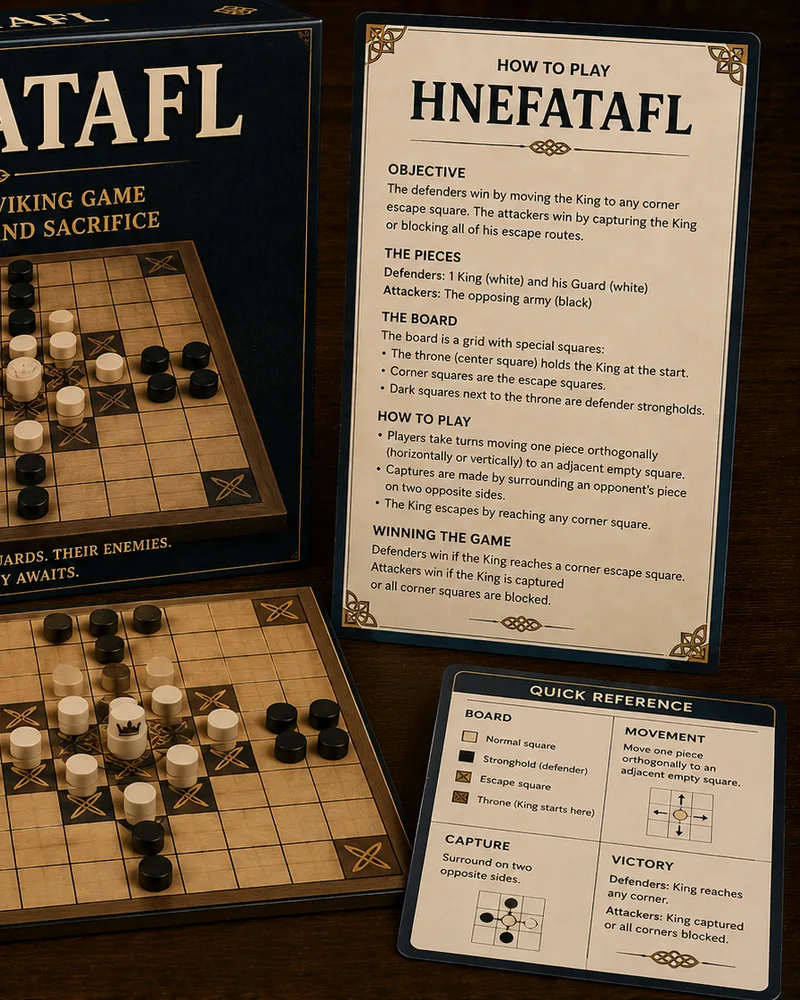 NEW
NEWHnefatafl
Strategy96.0K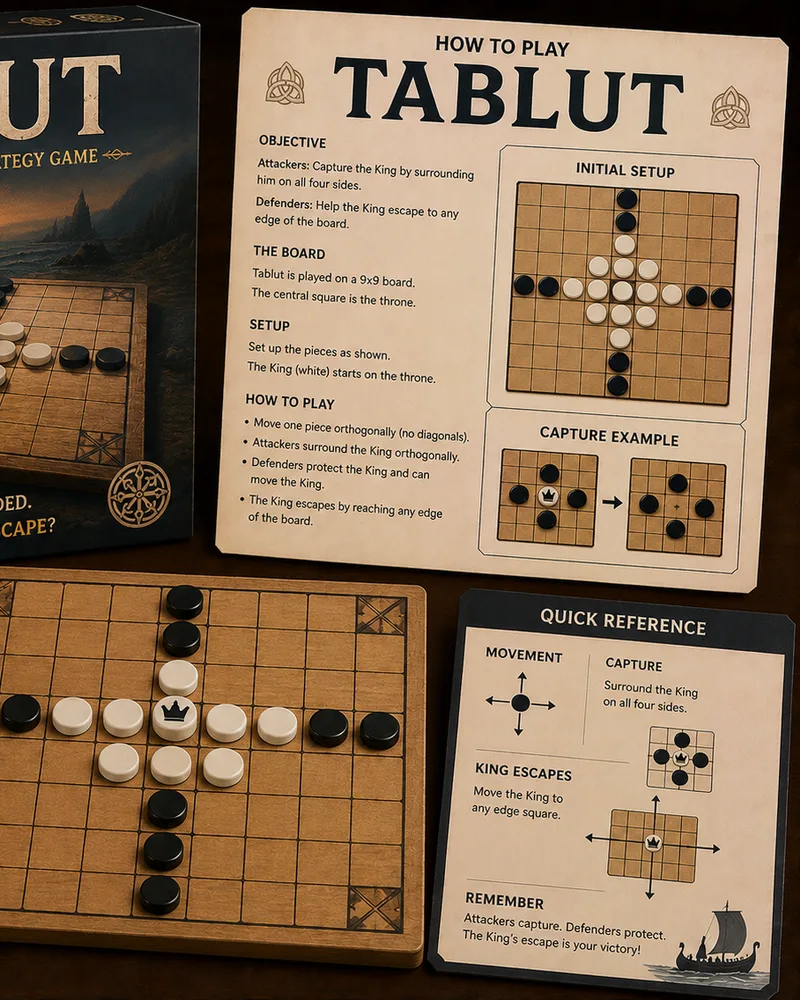 NEW
NEWTablut
Strategy70.0K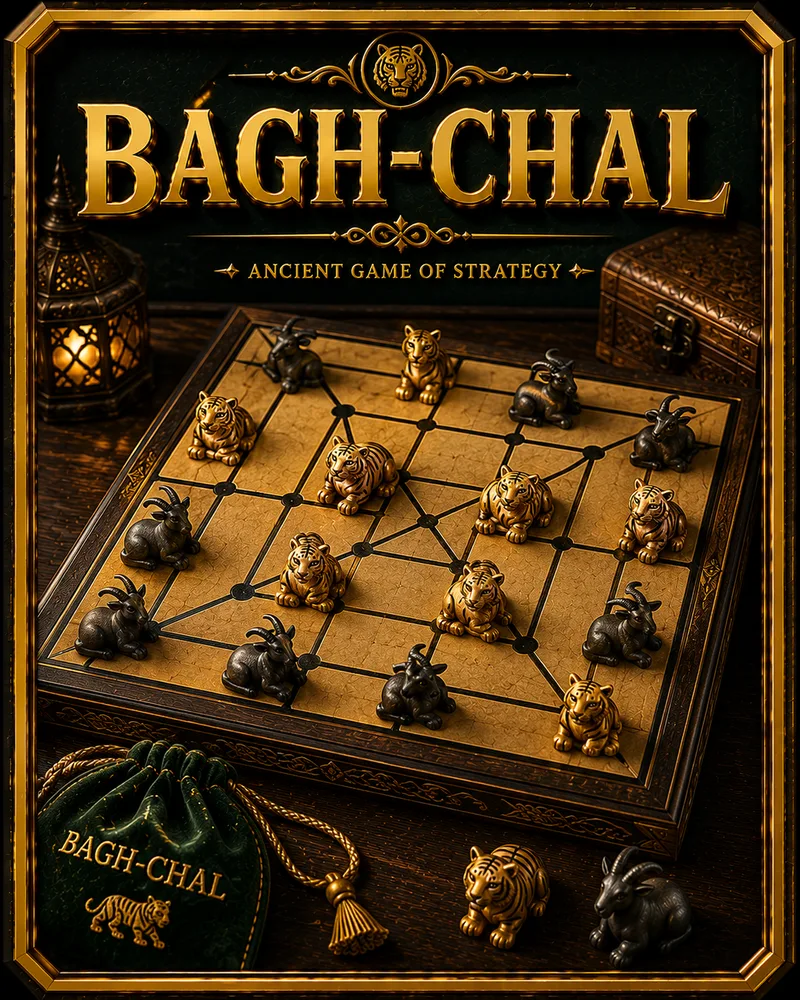 NEW
NEWBagh Chal
Strategy82.0K NEW
NEWFox & Geese
Strategy74.0K NEW
NEWNine Men's Morris
Strategy124.0K NEW
NEWTwelve Men's Morris
Strategy72.0K NEW
NEWAlquerque
Strategy76.0K NEW
NEWFanorona
Strategy68.0K NEW
NEWBackgammon
Board162.0K NEW
NEWBao
Board64.0K NEW
NEWCarrom
Arcade198.0K NEW
NEWXiangqi
Strategy210.0K NEW
NEWJanggi
Strategy118.0K NEW
NEWMakruk
Strategy92.0K NEW
NEWShogi
Strategy156.0K NEW
NEWGo
Strategy188.0K
Popular right now 🔥
All →
Klondike Solitaire
Sudoku
2048
Chess
Ludo
Snake
Block Puzzle
Minesweeper
Checkers
Spider Solitaire
Mahjong Solitaire
Snakes & Ladders
Word Search
Connect Four

Brick Breaker
Tic-Tac-Toe

Bubble Shooter