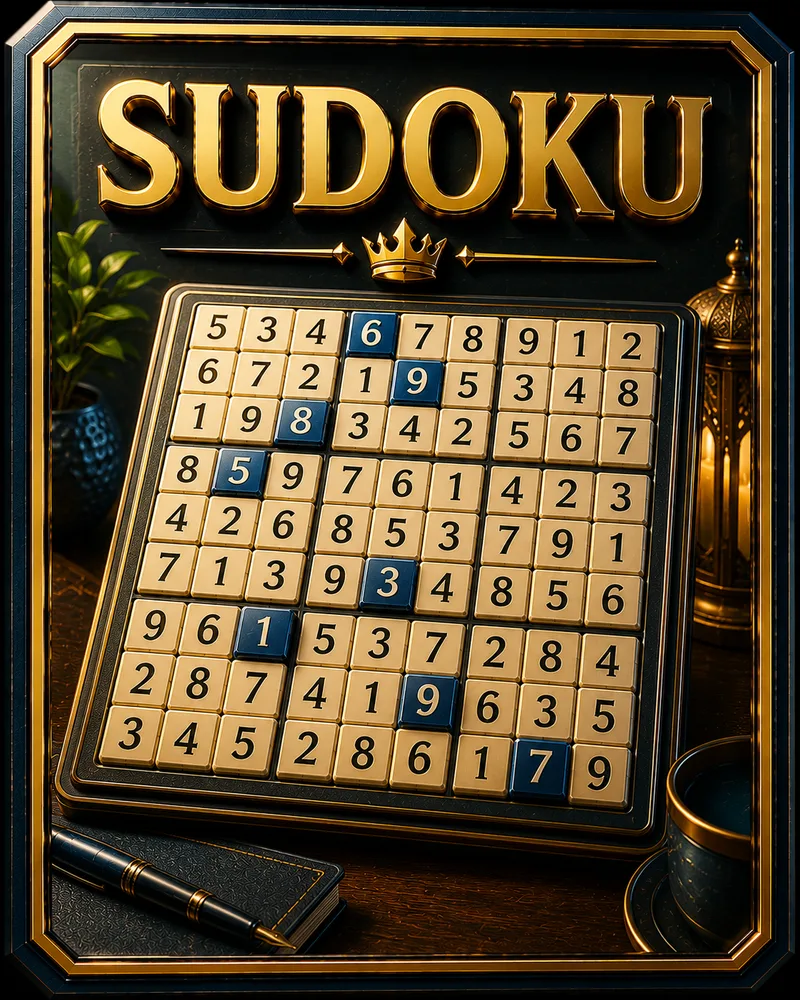
Sudoku
About Sudoku
Sudoku is a number-placement puzzle played on a grid of nine rows and nine columns, split into nine smaller boxes. You fill in the digits 1 to 9 so that none repeats in any row, column, or box. There is no math involved, just logic.
The puzzle was designed by an American architect named Howard Garns in 1979, and it took off worldwide after Japanese publishers gave it the name Sudoku. People keep playing because every puzzle is a small, self-contained problem with one right answer, and the moment a stubborn cell finally reveals itself is genuinely satisfying.
Every Sudoku here is generated with exactly one solution, so you never have to guess your way through. Play free in your browser with no download, and use pencil marks to track your thinking on the harder grids. If you are new, start on the easier levels, where the logic is gentle and the path forward is easier to spot.
Controls
You solve Sudoku by placing digits into empty cells. On a phone, tap an empty cell, then tap a number on the pad below the grid. On a laptop, click a cell and type the digit on your keyboard, or move between cells with the arrow keys instead of the mouse.
A couple of details are easy to miss the first time:
- Erasing a digit has no dedicated button. Tap or click the same number again to clear it, or press Backspace, Delete, or 0 on a keyboard.
- Pencil marks let you note the possible numbers for a cell when you are not sure yet. Tap Notes to switch into marking mode, tap in the candidates, then tap Notes again to go back to placing real answers.
- The three rules are all you need: each digit 1 to 9 appears once per row, once per column, and once per 3x3 box. Every answer follows from those.
You finish a puzzle when every cell is filled and no digit repeats in any row, column, or box.
The puzzles come in rising difficulty across eight levels, from open grids with many clues to sparse ones that need careful deduction. A Help button explains the rules, and Hint fills in the next cell plain logic can solve and tells you why.
Tips
- Start with the most crowded rows, columns, and boxes. The more numbers already placed nearby, the fewer options a cell has, so those are the easiest cells to solve first.
- Hunt for cells with only one possible number. If a spot can only be a 4 because every other digit already appears in its row, column, or box, that 4 is certain, no guessing needed.
- Use pencil marks on the tough grids. Writing down the candidates for a cell turns a fuzzy problem into a visible one, and patterns you would otherwise miss start to stand out.
- Look for a number that fits only one spot in a box. Sometimes a box has just one place a 7 can legally go, even if that cell had other candidates. Scanning by number catches these.
- Never guess. Every puzzle here has a single solution reachable by logic, so if you are guessing, there is a deduction you have not spotted yet. Backing into an answer usually leads to a dead end.
- Take a break when you are stuck. Fresh eyes catch the cell you stared past. Coming back a minute later often solves what felt impossible.
Frequently asked questions
Is Sudoku free to play?
Yes. You can play unlimited puzzles with no download and no account.
Do I need to be good at math to play Sudoku?
No. Sudoku uses the digits 1 to 9, but there is no adding or arithmetic. It is a logic puzzle, and you could replace the numbers with nine symbols and it would work the same way.
How do you solve a Sudoku puzzle?
You fill every empty cell with a digit from 1 to 9 so that no digit repeats in any row, column, or 3x3 box. You work it out by finding cells where only one number can legally fit.
Does every puzzle have a solution?
Yes. Every Sudoku here is generated with exactly one solution, and it can always be reached by logic alone, so you never have to guess.
Can I play Sudoku on my phone?
Yes. It runs in any modern mobile browser, with tap controls and pencil marks, so it works well on phones and tablets.
How do you erase a number in Sudoku?
Tap or click the same number again to clear it. On a laptop, Backspace, Delete, or 0 on the keyboard also erases the selected cell. There's no separate erase button, just that toggle.
How do I get better at Sudoku?
Practice scanning both by cell and by number, and lean on pencil marks for the harder grids. As the technique becomes habit, puzzles that once looked impossible start to open up quickly.
More like this
 NEW
NEW2048
Puzzle1.5M
Minesweeper
Puzzle845.0K
Mahjong Solitaire
Puzzle660.0K NEW
NEWBlock Puzzle
Puzzle890.0K NEW
NEWTower of Hanoi
Puzzle96.0K NEW
NEWLights Out
Puzzle88.0K NEW
NEWSliding Puzzle
Puzzle142.0K NEW
NEWNonogram
Puzzle134.0K NEW
NEWSame Game
Puzzle118.0K NEW
NEWPeg Solitaire
Puzzle102.0K HOT
HOTWater Sort
Puzzle240.0K NEW
NEWMastermind Style
Puzzle110.0K NEW
NEWBall Sort
Puzzle205.0K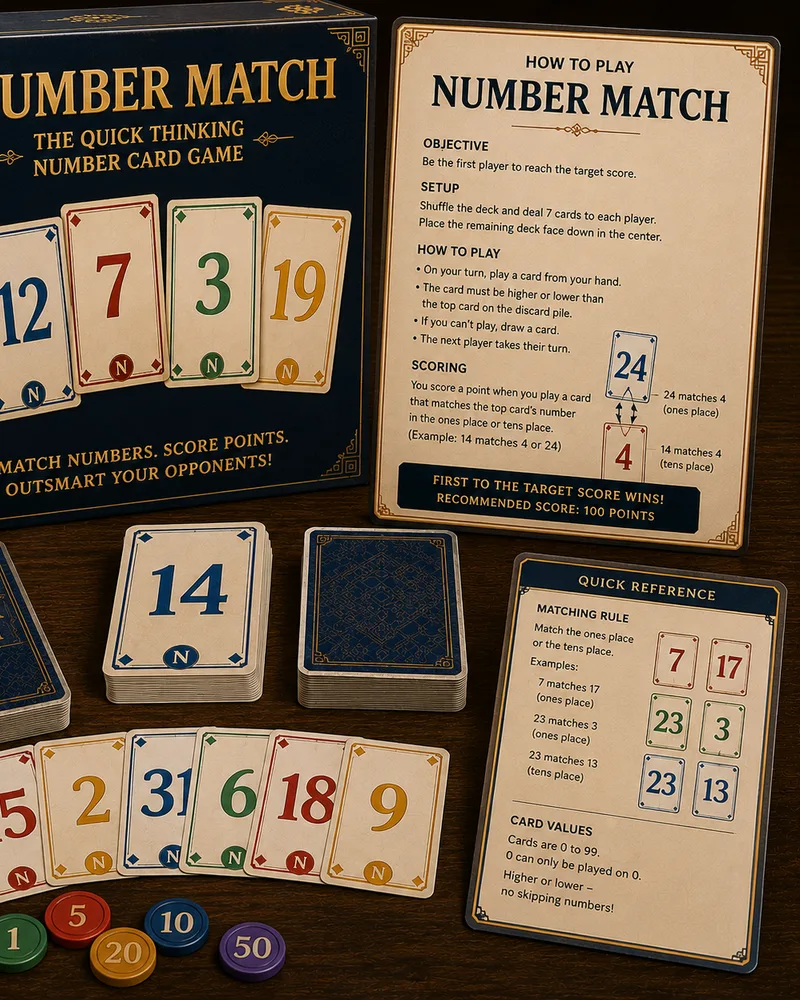 NEW
NEWNumber Match
Puzzle158.0K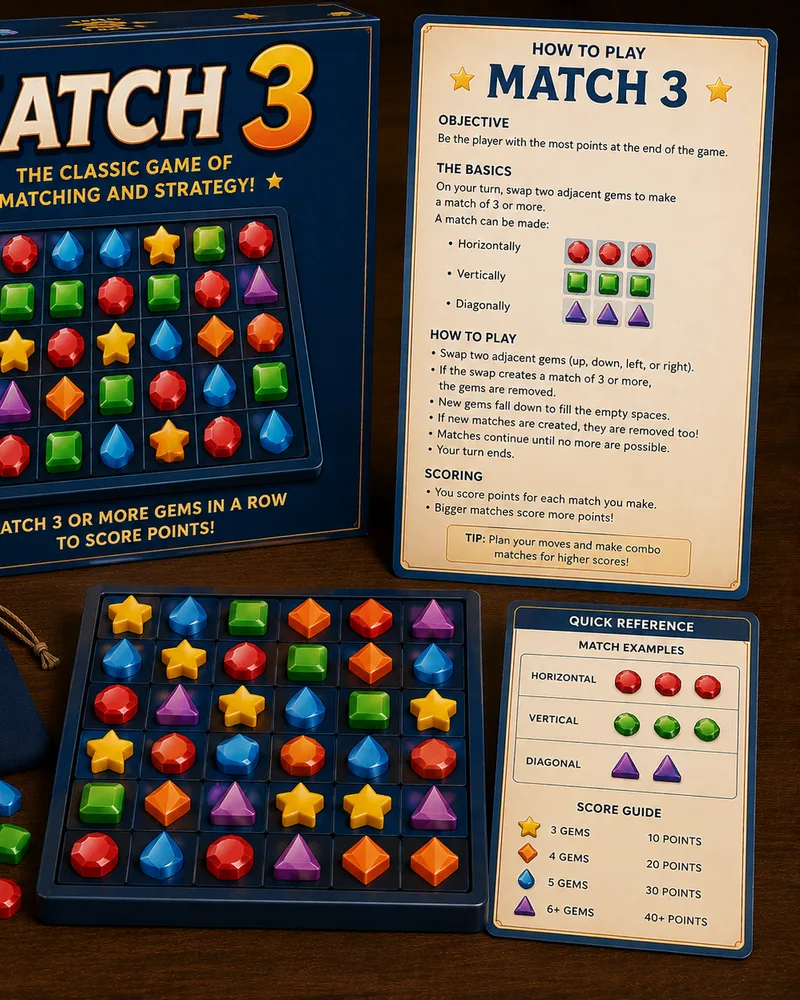 HOT
HOTMatch 3
Puzzle410.0K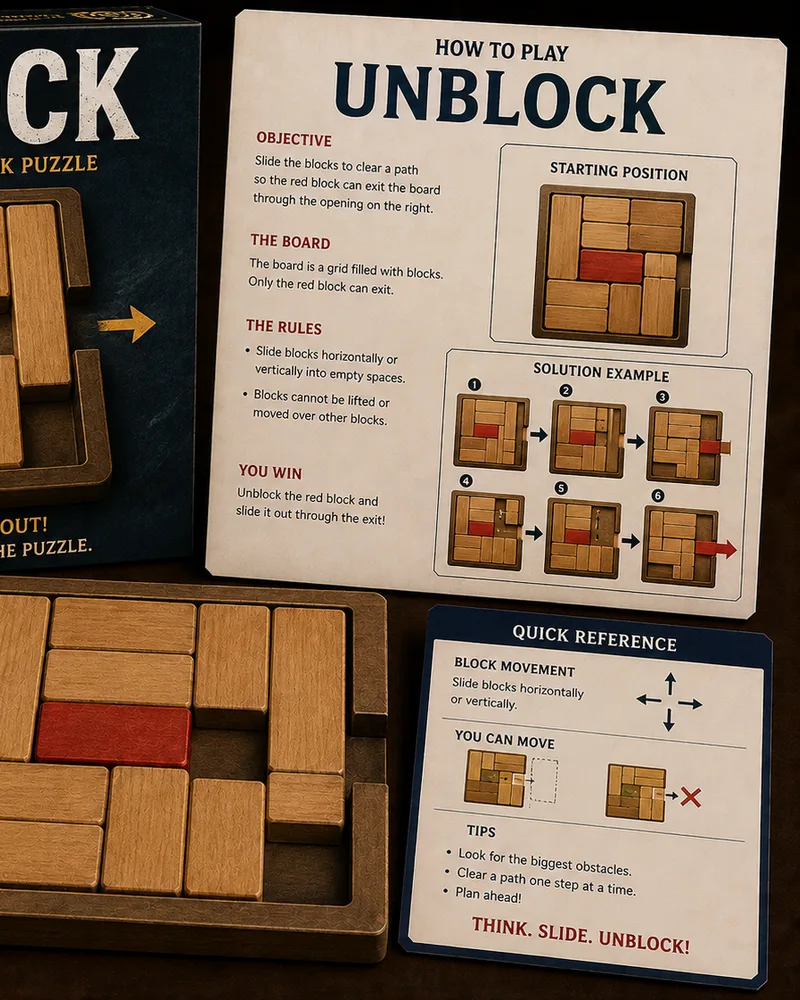 NEW
NEWUnblock
Puzzle188.0K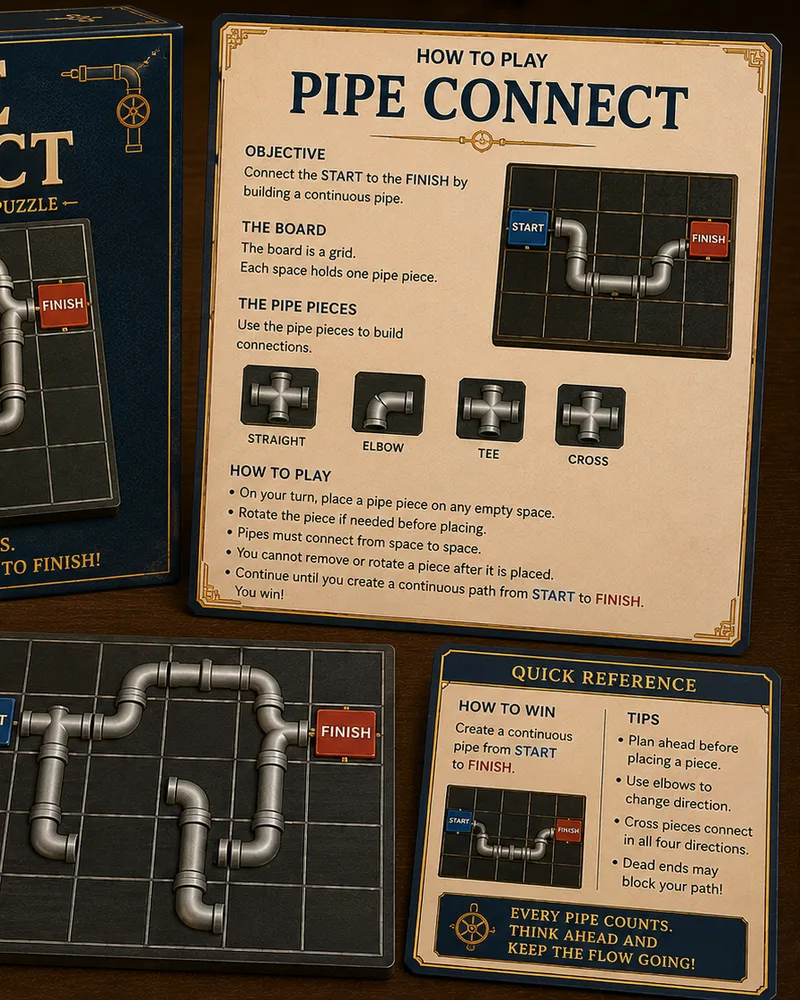 NEW
NEWPipe Connect
Puzzle138.0K NEW
NEWColor Connect
Puzzle142.0K NEW
NEWArrow Connect
Puzzle129.0K NEW
NEWUntangle
Puzzle134.0K NEW
NEWJigsaw Puzzle
Puzzle150.0K HOT
HOTBubble Shooter
Arcade420.0K NEW
NEWKakuro
Puzzle118.0K
Popular right now 🔥
All →
Klondike Solitaire
2048

Chess

Ludo

Snake
Block Puzzle
Minesweeper

Checkers
Spider Solitaire
Mahjong Solitaire

Snakes & Ladders

Word Search
Connect Four
Brick Breaker

Tic-Tac-Toe
Bubble Shooter
Match 3