Jigsaw Puzzle
About Jigsaw Puzzle
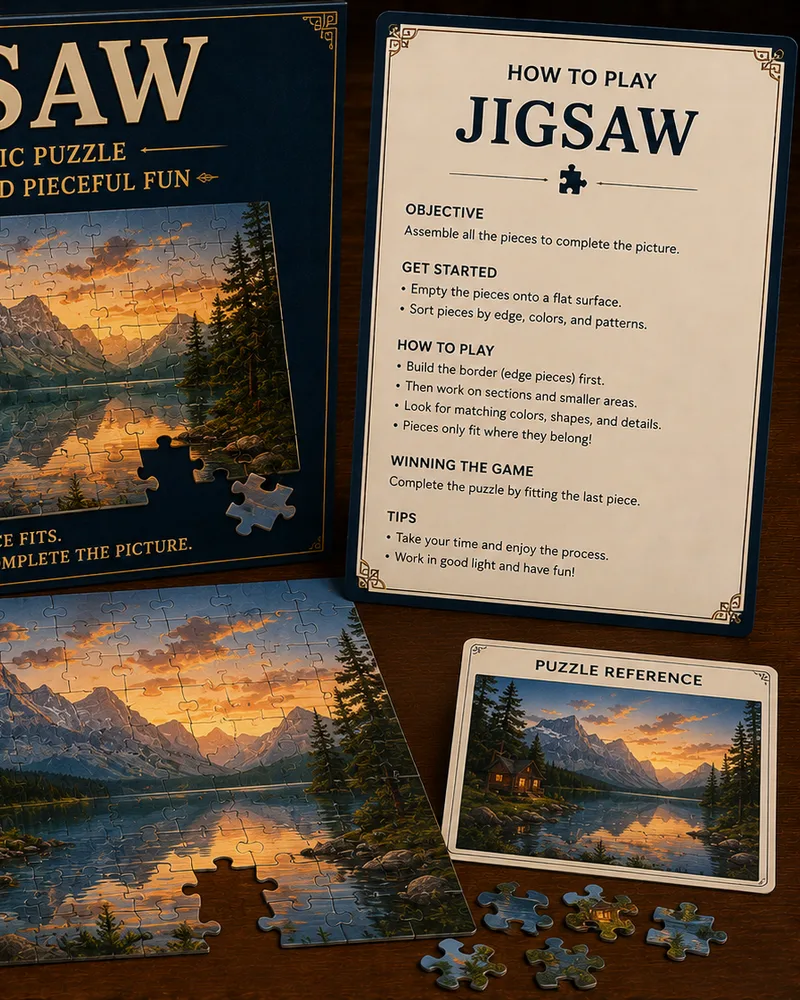
Jigsaw on this site works differently from the puzzle on your coffee table. There's no tray of loose pieces to drag around. Instead the picture is already laid out as a full grid of square tiles, scrambled out of order, and you solve it by swapping two tiles at a time until every one is back where it started.
The picture itself is a bright, generated color pattern rather than a photo, so there's no image to recognize your way around. Instead, every tile carries a small number showing exactly where it belongs, and a tile's border lights up once it's sitting in the right spot. That steady, visible progress, one tile at a time, is what makes it satisfying to work through.
You can play Jigsaw free in your browser with no download. Swapping two tiles is the only move in the game, so there's nothing to learn beyond that, and the grid grows from 3x3 up to 7x7 as your level rises, giving you a much longer puzzle once the small grids stop being a challenge.
Controls
You play by swapping tiles. Tap one tile to select it, shown with a white outline, then tap a second tile to trade places with it. On a laptop, click instead of tap; a mouse click does the same job as a tap.
A couple of details make the swapping easier to follow:
- Selecting and swapping is the whole game. Tap or click a tile to pick it up, then tap or click any other tile to swap the two. Tap the same tile twice to cancel the selection without swapping.
- The position numbers printed on each tile show exactly where it belongs, counted left to right and top to bottom. A tile's border also lights up once it's sitting in its correct spot, so you can see your progress at a glance.
You solve the puzzle when every tile matches its number. The counter at the top tracks how many tiles are placed and how many swaps you've used.
The grid grows from 3x3 up to 7x7 across eight levels, so later puzzles take a lot more swapping to untangle.
Tips
- Work on one number at a time. Pick the lowest tile number that's out of place, swap it home, then move on to the next, since chasing one tile at a time keeps you from losing track of what you've already fixed.
- Finish a full row before moving to the next. Locking in an entire row of correct numbers first means you won't accidentally scramble tiles you already placed while chasing ones further down the grid.
- Use the lit-up border as your checklist. A tile's border lights up once it's in the right spot, so scanning for tiles that aren't lit tells you exactly what's still left to solve.
- Don't move a placed tile without a plan. Swapping a tile that's already correct just to free up a spot undoes real progress, so know where a tile is going before you swap it out of position.
- Start on a small grid if you're new. The early levels use a 3x3 or 4x4 grid, small enough to solve by trial and error while you get a feel for how the swaps behave.
- Look for a two-tile fix. Often the tile in your hand's destination is also out of place, so check whether swapping the two directly solves both at once instead of needing extra moves later.
Frequently asked questions
Is Jigsaw free to play?
Yes. You can play as many puzzles as you want with no download and no account.
How do you play Jigsaw here?
You tap or click a tile to select it, then tap or click a second tile to swap their positions. Every tile is numbered with where it belongs, and it lights up once it's placed correctly. You win by getting every tile back to its number.
Is this the same as a normal jigsaw puzzle?
Not quite. There's no dragging pieces or picking them out of a tray. The whole grid starts full of scrambled tiles, and you solve it by swapping two at a time, closer to a sliding puzzle than a physical jigsaw.
Can I make the puzzle harder or easier?
Yes. The grid grows from 3x3 up to 7x7 as your level rises, so you can keep it quick on a small grid or take on a much bigger one.
Can I play Jigsaw on my phone?
Yes. It runs in any modern mobile browser, and swapping tiles with a tap works exactly the same as swapping them with a click on a laptop.
Do pieces ever go missing?
No. Every tile stays on the grid for the whole game, so there's nothing to lose, just tiles waiting to be swapped into place.
More like this
Sudoku
Puzzle1.7M NEW
NEW2048
Puzzle1.5M
Minesweeper
Puzzle845.0K
Mahjong Solitaire
Puzzle660.0K NEW
NEWBlock Puzzle
Puzzle890.0K NEW
NEWTower of Hanoi
Puzzle96.0K NEW
NEWLights Out
Puzzle88.0K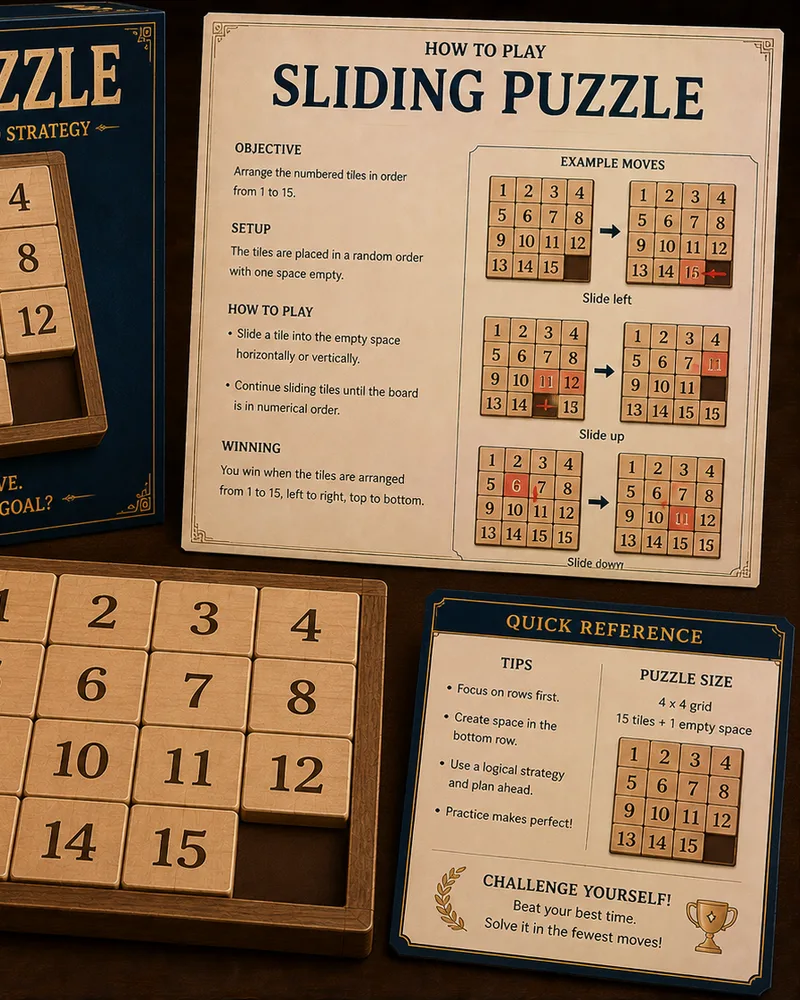 NEW
NEWSliding Puzzle
Puzzle142.0K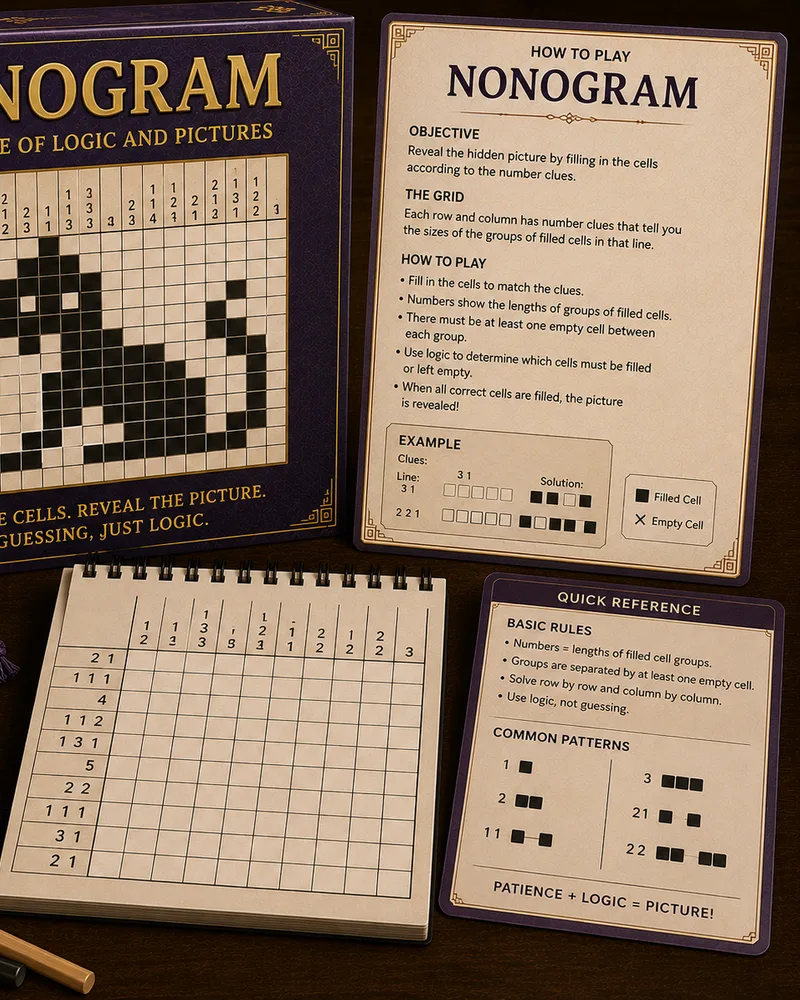 NEW
NEWNonogram
Puzzle134.0K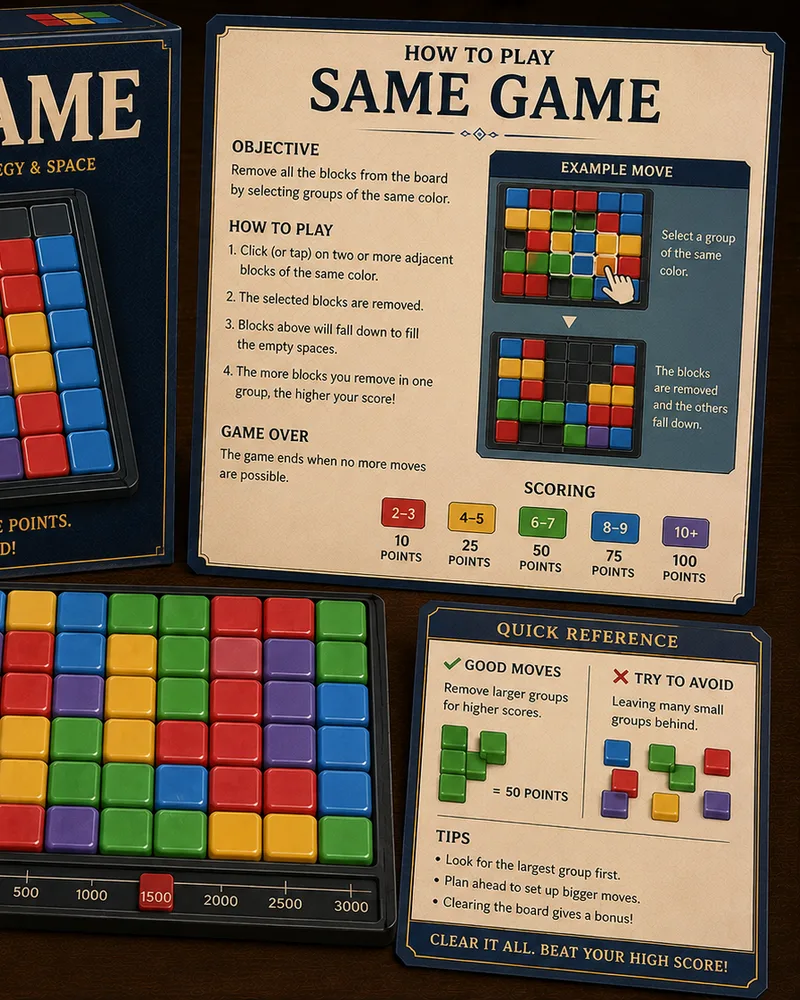 NEW
NEWSame Game
Puzzle118.0K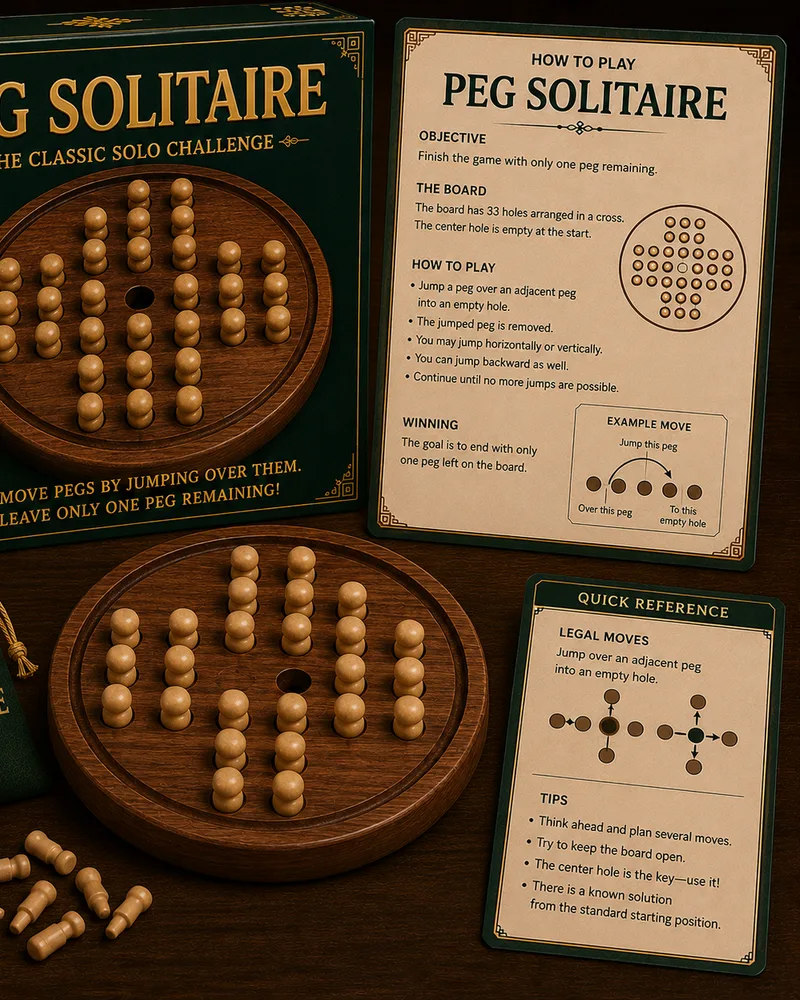 NEW
NEWPeg Solitaire
Puzzle102.0K HOT
HOTWater Sort
Puzzle240.0K NEW
NEWMastermind Style
Puzzle110.0K NEW
NEWBall Sort
Puzzle205.0K NEW
NEWNumber Match
Puzzle158.0K HOT
HOTMatch 3
Puzzle410.0K NEW
NEWUnblock
Puzzle188.0K NEW
NEWPipe Connect
Puzzle138.0K NEW
NEWColor Connect
Puzzle142.0K NEW
NEWArrow Connect
Puzzle129.0K NEW
NEWUntangle
Puzzle134.0K HOT
HOTBubble Shooter
Arcade420.0K NEW
NEWKakuro
Puzzle118.0K
Popular right now 🔥
All →
Klondike Solitaire
Sudoku
2048

Chess
Ludo
Snake
Block Puzzle
Minesweeper
Checkers
Spider Solitaire
Mahjong Solitaire
Snakes & Ladders
Word Search
Connect Four
Brick Breaker
Tic-Tac-Toe
Bubble Shooter