Word Search
About Word Search
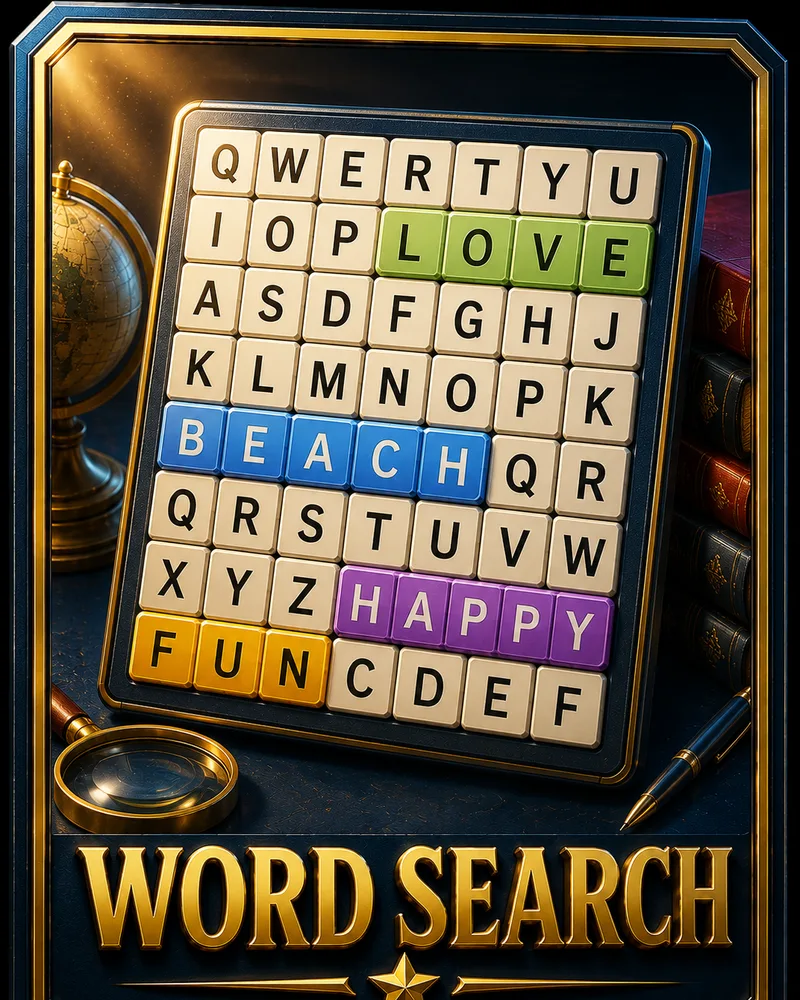
Word Search is a puzzle where a list of words is hidden inside a grid of letters, and your job is to find every one. The words are tucked in among random letters and can run in any direction, so spotting them is a mix of pattern recognition and patience.
The modern version first showed up in a small Oklahoma newspaper in 1968 and quickly became a fixture on puzzle pages everywhere. People keep coming back to it because it is calm and forgiving. There is no clock stealing your focus and no way to make a wrong move that costs you, just the quiet satisfaction of the next word clicking into place.
You can play Word Search free in your browser with no download. It is one of the easiest games to pick up, which makes it a perfect five-minute reset for your brain. The grids start small and grow as your level rises, so there is always a slightly bigger challenge waiting when you want one.
Controls
You play by dragging across letters. Press on the first letter of a word and drag in a straight line to its last letter, then release. If it matches a word on the list, it locks in and stays highlighted.
Knowing how the words hide makes them much easier to find:
- Direction varies. Words can run left to right, top to bottom, diagonally, and sometimes backward, so a word you cannot find going one way may be hiding in reverse.
- The word list shows what you are looking for. Each word you find gets crossed off, so the list doubles as your progress tracker.
You finish a puzzle once every word on the list has been found and highlighted.
The grids get larger across eight levels, packing in more words and more letters to sort through.
Tips
- Scan for one distinctive letter at a time. Uncommon letters like Q, X, or Z appear rarely, so if a word contains one, finding that single letter often leads you straight to the whole word.
- Look for the first two letters together. Hunting for a short pair like 'th' or 'st' is faster than trying to spot an entire word at once, and it narrows your search to a few spots.
- Check the diagonals and backward runs. Words hiding diagonally or spelled in reverse are the ones people miss most, so when a word won't turn up, those directions are where to look.
- Work one word at a time. Focusing on a single word from the list keeps your eyes searching for a known shape instead of scanning aimlessly across the whole grid.
- Use the letters already crossed out. Found words shrink the pool of unclaimed letters, so late in a puzzle the remaining words stand out against the letters you have already used.
- Relax your focus and let words pop. Staring too hard can make you miss the obvious. Softening your gaze across a section often lets a hidden word jump out on its own.
Frequently asked questions
Is Word Search free to play?
Yes. You can play as many puzzles as you want with no download and no account.
How do you play Word Search?
You are given a list of words hidden in a grid of letters. You find each one by dragging across its letters in a straight line, in any direction, until every word on the list is marked.
How do you win?
You complete a puzzle by finding every word on the list. There is no timer or penalty, so you can take as long as you like.
Can the words be backward or diagonal?
Yes. Words can run horizontally, vertically, and diagonally, and some are spelled in reverse. Checking those directions is the trick to finding the last few.
Can I play Word Search on my phone?
Yes. It runs in any modern mobile browser, and you select words by dragging, so it works naturally on phones and tablets.
How do I get faster at Word Search?
Search for rare letters and short letter pairs instead of whole words, and remember to check diagonals and reversed spellings. With practice, hidden words start jumping out at a glance.
More like this
Popular right now 🔥
All →
Klondike Solitaire
Sudoku
2048

Chess
Ludo
Snake
Block Puzzle
Minesweeper

Checkers
Spider Solitaire
Mahjong Solitaire
Snakes & Ladders

Connect Four
Brick Breaker
Tic-Tac-Toe
Bubble Shooter
Match 3