Minesweeper
About Minesweeper
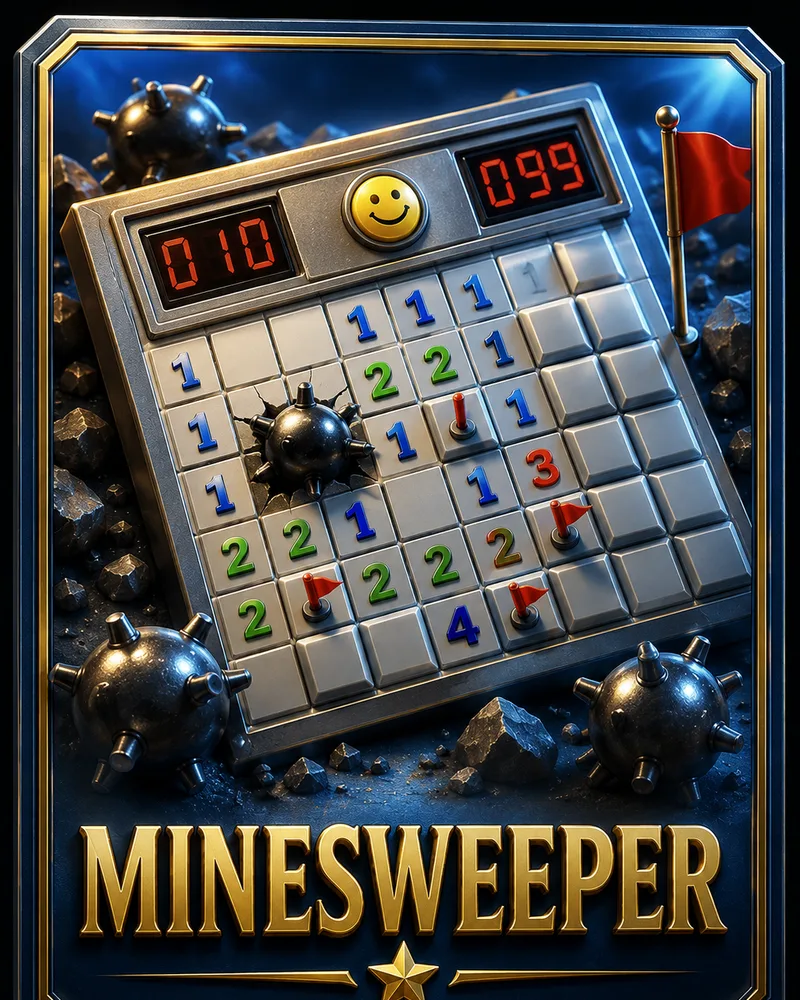
Minesweeper is a logic puzzle hidden inside a grid. Some squares hide mines, and your job is to uncover every square that does not. Each safe square you reveal shows a number telling you how many mines sit in the eight squares around it, and those numbers are the entire key to the puzzle.
The game reached millions of people bundled with Windows starting in 1990, where it quietly trained a generation to reason under pressure. Its staying power comes from how it rewards careful thought: with enough attention, most boards can be cleared by pure deduction, and only the occasional spot forces a genuine guess.
You can play Minesweeper free in your browser with no download. If you have never played, the first board might feel like guessing, but once the numbers click, it turns into a satisfying chain of small deductions. The fields grow larger as your level rises, giving you more room to think and more mines to track.
Controls
You play by revealing and flagging squares. Tap a square, or click it with a mouse on a laptop, to uncover it. Flagging works differently on each: on a phone, tap the Flag button to arm flagging mode, then tap a square to mark it; on a laptop, just right-click the square directly.
Everything you do is driven by the numbers:
- Numbers appear on uncovered squares and tell you how many mines touch that square. A 1 means exactly one mine sits somewhere in the eight neighboring squares.
- Flags are markers you place on squares you have worked out are mines. Right-click to flag on a laptop; on a phone, tap the Flag button first, then tap the square, and tap Flag again to go back to revealing.
- Empty squares with no number touching no mines open up automatically, clearing whole pockets of the board at once and giving you a running start.
You win by uncovering every safe square. You do not need to flag the mines, only avoid them. Tapping a single mine ends the game.
The board grows across eight levels, adding more squares and more mines, so the deductions get longer and more rewarding.
Tips
- Start in the middle, not the corners. An opening tap in the center is more likely to clear a large empty pocket, giving you numbers to work from instead of a single lonely clue.
- Read a number against the covered squares around it. If a 1 already touches one flagged mine, every other covered square next to it is safe, and that simple comparison unlocks most of the board.
- When a number equals its covered neighbors, they are all mines. A 3 touching exactly three unopened squares means all three hide mines, so you can flag them with certainty and move on.
- Flag mines to keep your reading clear. Marking known mines lets you subtract them from nearby numbers at a glance, which turns tangled clusters into simple arithmetic.
- Work the edges of your cleared area. The border between opened and covered squares is where new information lives. Progress almost always comes from the frontier, not the middle.
- Only guess when logic truly runs out. Most positions have a certain move somewhere. Before you take a fifty-fifty gamble, look again, because the safe square is usually hiding in a number you already have.
Frequently asked questions
Is Minesweeper free to play?
Yes. You can play as many boards as you want with no download and no account.
How do you play Minesweeper?
You uncover squares on a grid while avoiding hidden mines. Each safe square shows a number counting the mines around it, and you use those numbers to work out which nearby squares are safe to open.
How do you win Minesweeper?
You win by revealing every square that does not contain a mine. You do not have to flag the mines, only avoid uncovering them.
What do the numbers mean?
A number on a square tells you how many mines are in the eight squares touching it. Comparing that number to the covered squares nearby is how you deduce where the mines are.
Can I play Minesweeper on my phone?
Yes. It runs in any modern mobile browser. Tap a square to reveal it, and tap the Flag button before tapping a square to mark a suspected mine, so it works well on phones and tablets.
How do I get better at Minesweeper?
Learn to read each number against the covered squares around it, and flag mines to keep your view clean. Once the basic deductions become automatic, you will clear boards with far less guessing.
More like this
Sudoku
Puzzle1.7M NEW
NEW2048
Puzzle1.5M
Mahjong Solitaire
Puzzle660.0K NEW
NEWBlock Puzzle
Puzzle890.0K NEW
NEWTower of Hanoi
Puzzle96.0K NEW
NEWLights Out
Puzzle88.0K NEW
NEWSliding Puzzle
Puzzle142.0K NEW
NEWNonogram
Puzzle134.0K NEW
NEWSame Game
Puzzle118.0K NEW
NEWPeg Solitaire
Puzzle102.0K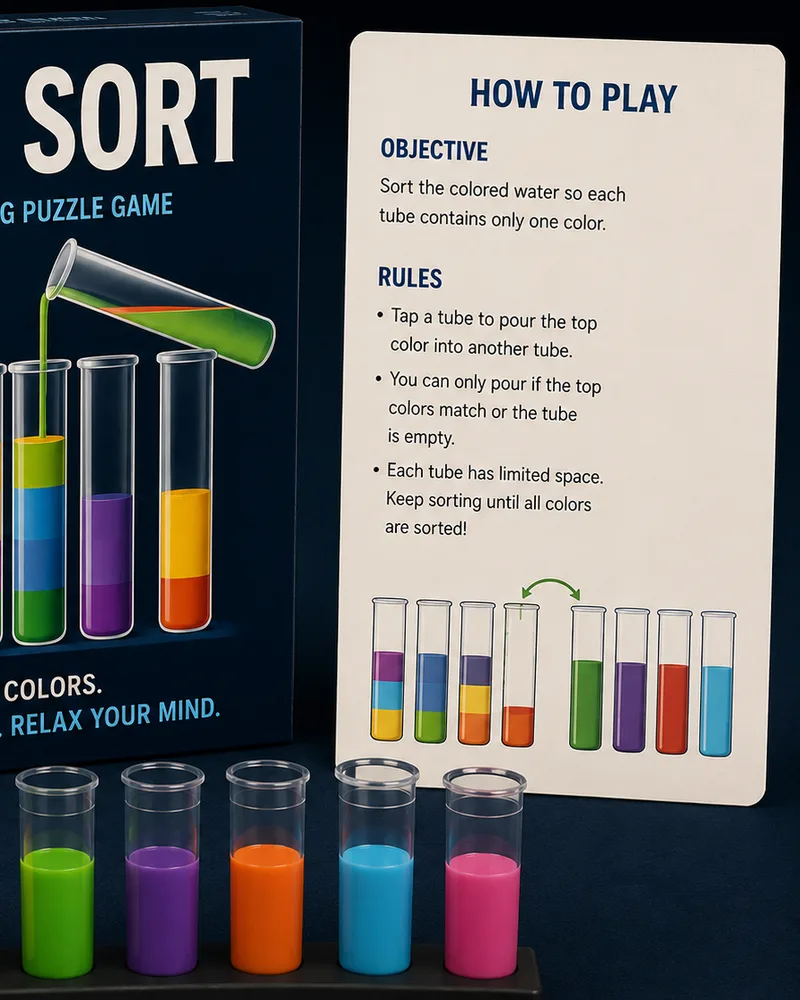 HOT
HOTWater Sort
Puzzle240.0K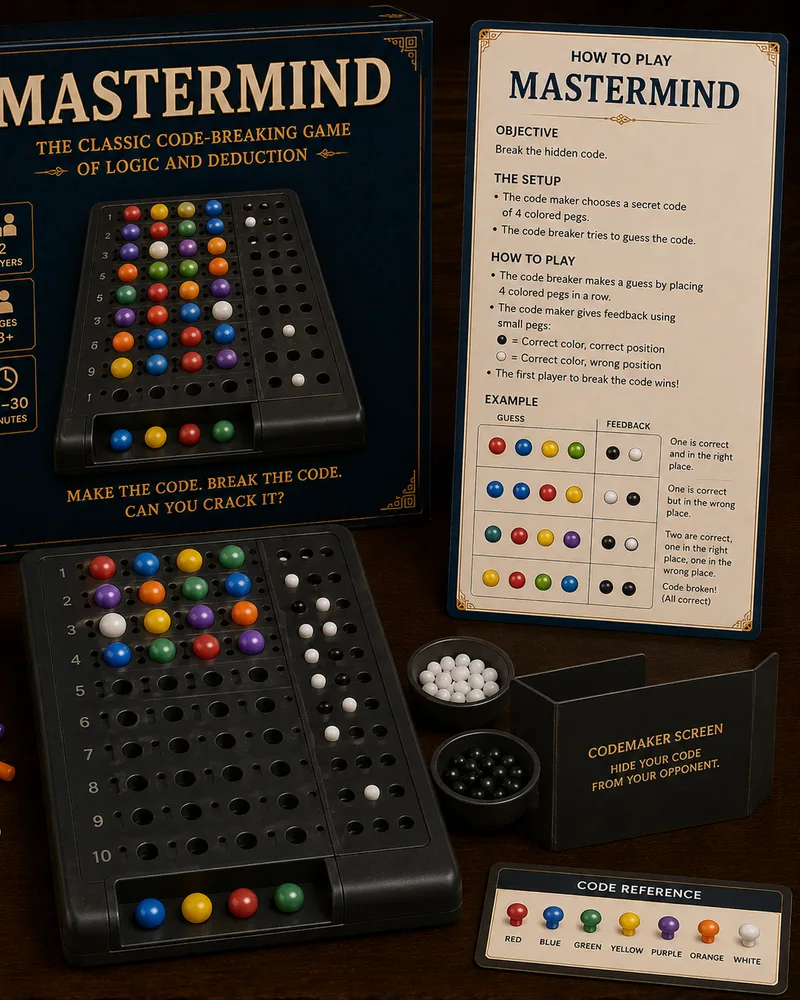 NEW
NEWMastermind Style
Puzzle110.0K NEW
NEWBall Sort
Puzzle205.0K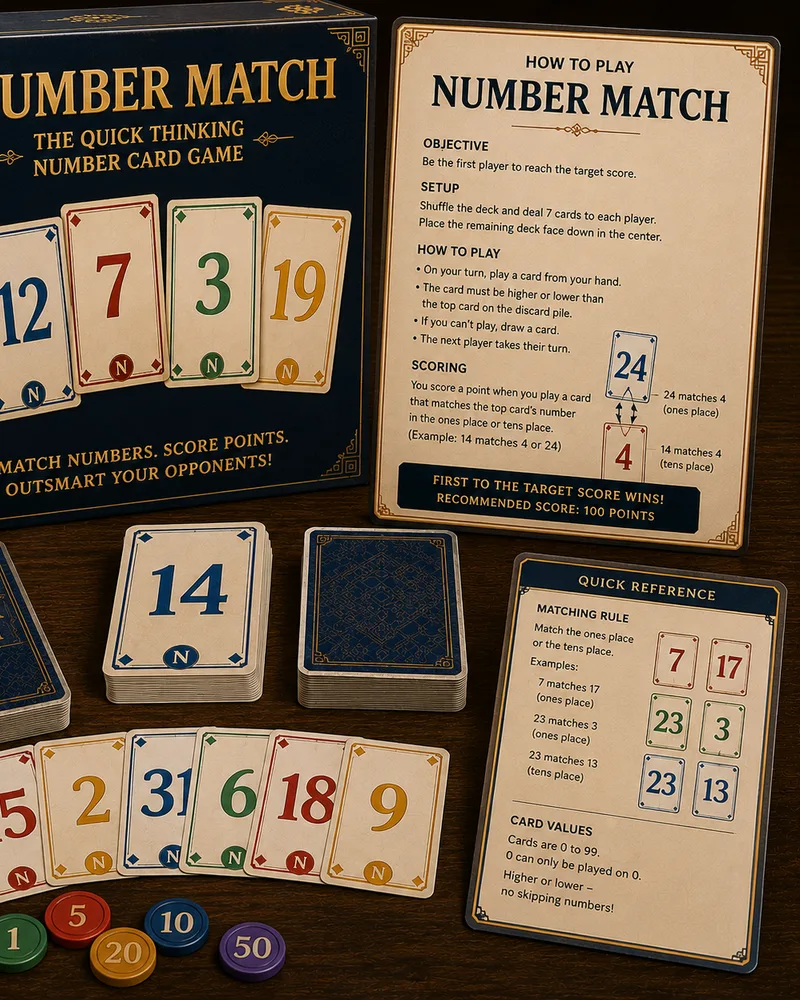 NEW
NEWNumber Match
Puzzle158.0K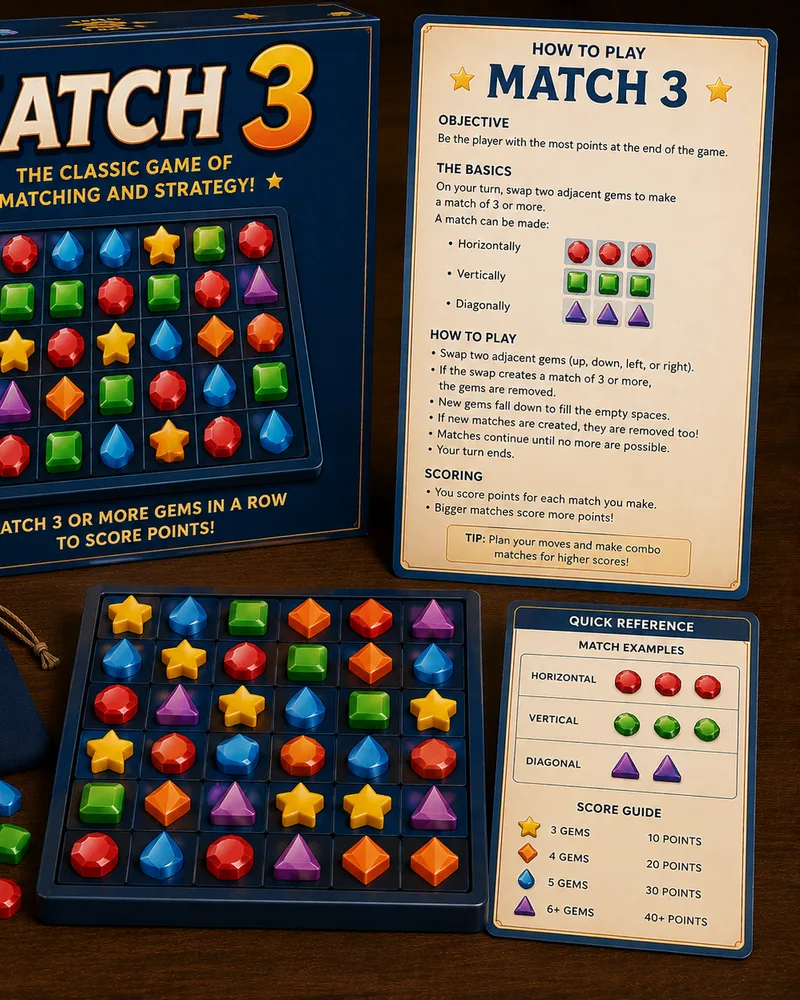 HOT
HOTMatch 3
Puzzle410.0K NEW
NEWUnblock
Puzzle188.0K NEW
NEWPipe Connect
Puzzle138.0K NEW
NEWColor Connect
Puzzle142.0K NEW
NEWArrow Connect
Puzzle129.0K NEW
NEWUntangle
Puzzle134.0K NEW
NEWJigsaw Puzzle
Puzzle150.0K HOT
HOTBubble Shooter
Arcade420.0K NEW
NEWKakuro
Puzzle118.0K
Popular right now 🔥
All →
Klondike Solitaire
Sudoku
2048

Chess
Ludo
Snake
Block Puzzle
Checkers
Spider Solitaire
Mahjong Solitaire
Snakes & Ladders
Word Search
Connect Four
Brick Breaker
Tic-Tac-Toe
Bubble Shooter
Match 3